
How to a-OK
Learn how to spread kindness and connect with your community through a-OK. Follow our simple step-by-step guide to start making a difference today.
general
How to add GPS Location?
Steps to set Business Location
- Go to Edit from business profile
- Go to Location Setting
- Add Latitude and Longitude of your Business house address
- You ...
general
How to create a personal account?
Open the a-OK app on your device.
Read Full Guide
general
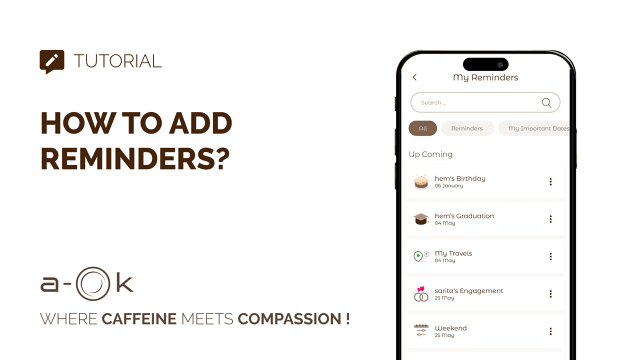
How to Add Reminders?
Steps to Add a Reminder:
- Open the a-OK app.
- Go to the “My Reminders” section from the Navigation Bar.
- Tap on “A...

general
How to Use Spin to Win?
Steps to Play Spin to Win:
- Go to the home screen or “Spin to Win” section.
- Tap “Spin Now” .
- Watch the wheel spin and stop.Read Full Guide
general
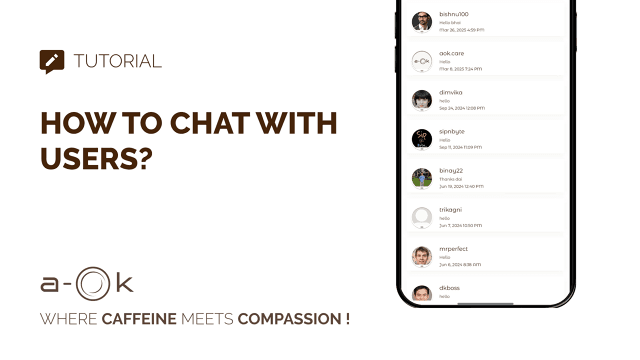
How to Chat with Users?
Steps to Chat with Other a-OK Users:
- Go to a-OK Buddy List.
- Tap on a user profile you are connected with.
- Tap the chat iconRead Full Guide
general
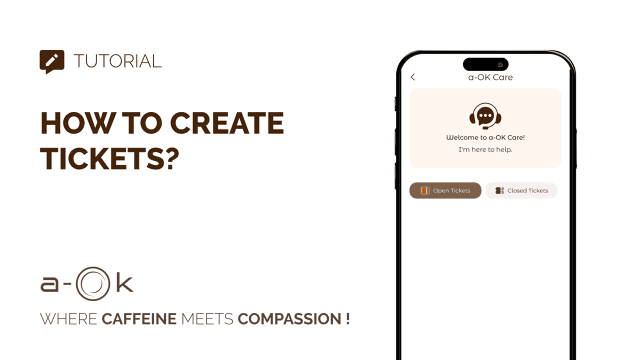
How to Create Tickets?
Steps to Create a Support Ticket:
- Go to a-OK Care or Customer Support.
- Tap “Create Ticket” o...